Workspaces & Members
Workspace and member management
Workspaces
One organization could have many users connected to it. Workspace consists of:
- Runs
- Templates
- API keys
- Credits
- Integrations (GitHub, GitLab, Claude Code)
Single user could be a member of multiple workspaces. You can switch between workspaces in the dashboard.
Roles
| Role | Description |
|---|---|
| Owner | Full access. Manage members, billing, settings, and API keys. |
| Member | Create runs, manage templates, view usage. |
Every workspace have at least one owner.
Inviting Members
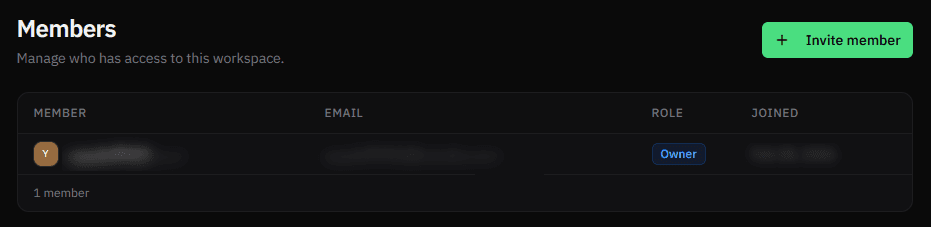
Owners can invite members by email from Members → Invite member.
The invitee receives an email and must accept to join. The invite is tied to the specific email address — the accepting user's email must match.
Pending invitations can be resent or cancelled.
Managing Members
Owners can change member roles and remove members.
Constraints:
- You cannot remove yourself
- You cannot demote the last owner
Workspace Settings
Owners can update the workspace name from Settings.